Why Does My Thermostat Go Up on Its Own? 7 Settings That Change It
| Written by | Ask About HVAC Editorial Team | Expert review | ✓ J.T. Bratcher |
|---|---|---|---|
| Published | Last reviewed | ||
| Sources | 9 cited | Reading time | 6 min |
Quick answer
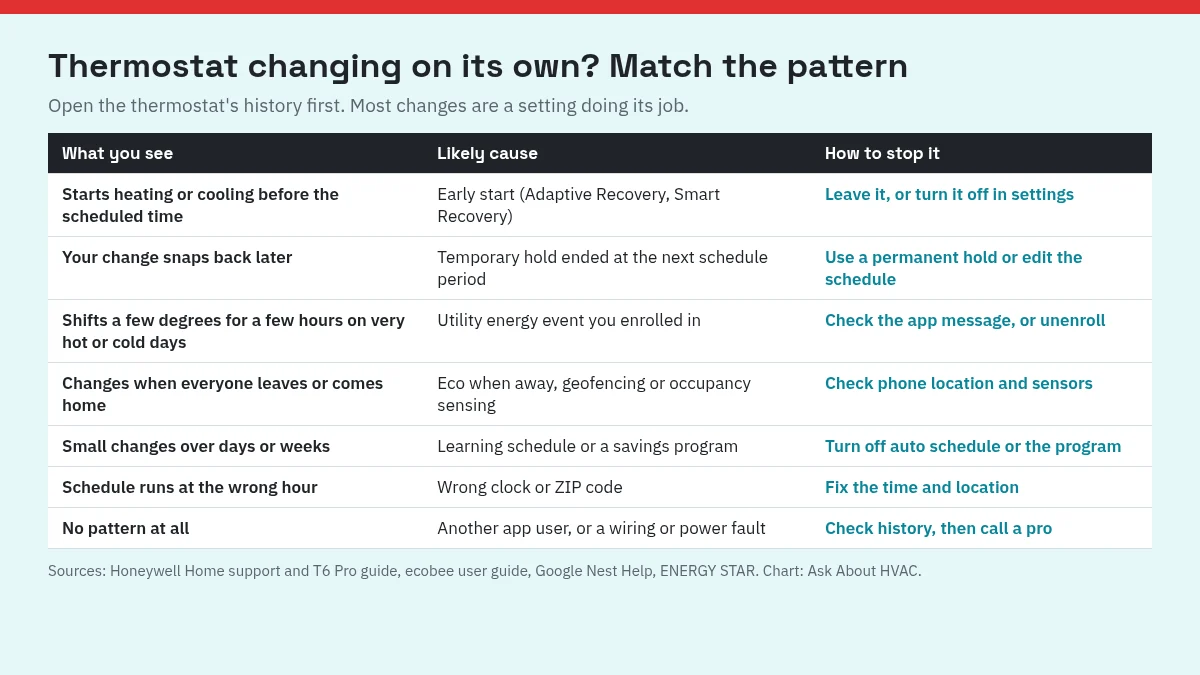
When a thermostat goes up (or down) by itself, it is almost always following a setting you or an installer turned on: an early start before a schedule period, a hold that ran out, a utility energy event, an away mode, a learning schedule or a clock set to the wrong time. ENERGY STAR describes smart thermostats as devices that learn your preferences, set a schedule that adjusts to energy-saving temperatures when you are asleep or away, and use geofencing to change the temperature as you come and go. Those are the same features that surprise people. Match what you see to the row below, then check the thermostat's history to confirm.
| What you see | Likely cause | How to stop it |
|---|---|---|
| Heating or cooling starts before the scheduled time | Early start (Adaptive Recovery, Smart Recovery) | Leave it, or turn it off in settings |
| Your change snaps back later | A temporary hold ended at the next schedule period | Use a permanent hold or edit the schedule |
| A few degrees for a few hours on very hot or cold days | A utility energy event you enrolled in | Read the app message, or unenroll |
| Changes when everyone leaves or comes home | Eco when away, geofencing or occupancy sensing | Check phone location and sensors |
| Small changes over days or weeks | A learning schedule or a savings program | Turn off auto schedule or the program |
| The schedule runs at the wrong hour | Wrong clock or ZIP code | Fix the time and location |
| No pattern at all | Someone else changing it, or a fault | Check the history, then call a pro |
First, check the history
Most smart thermostats keep a log of what changed and why. Google Nest Help's guide to strange heating or cooling issues says the energy history tells you why the thermostat is acting strangely or why the temperature changed. In the Google Home app, open the thermostat and tap Energy dashboard. In the older Nest app, tap History to see the last 10 days. Look at the time of the change and any label next to it before you change settings.
1. Early start before a schedule period
If the heat comes on at 5:30 for a 6:00 wake-up time, that is a feature. Honeywell's support page on heat or cool starting before the program time explains that Adaptive Intelligent Recovery (also called Smart Response or Early Start) learns how long your system takes to reach the programmed temperature, so it is reached at the time you set. The display shows "recovery" while it runs early. The ecobee user guide describes Smart Recovery the same way and gives the same example: you do not need to start a 6:00 AM Home period at 5:30.
To you, the set temperature seems to climb before the schedule says it should. If you would rather it start on the dot, turn the feature off. On a Lyric thermostat, Honeywell's page on Lyric Adaptive Recovery gives the path: open the thermostat in the Lyric app, tap the gear icon, tap Advanced, and switch off Adaptive Recovery.
2. A hold that ended
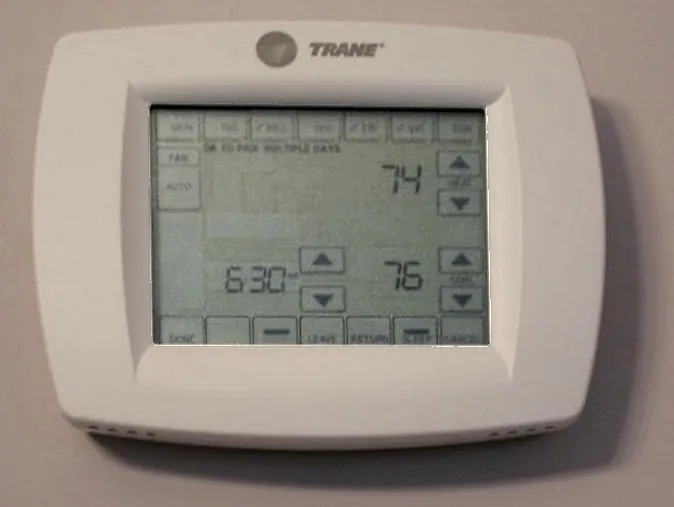
You set 72, and a few hours later it is back to 68. That is usually a temporary hold. The T6 Pro Smart user guide explains that a temporary hold ("Hold Until") overrides the set point for a maximum of 12 hours, while a permanent hold overrides it until you change it or turn the schedule back on. On ecobee, the Hold Action Duration setting lets you choose 2 hours, 4 hours, until the next scheduled activity (the default), until you change it, or decide each time.
If you keep making the same change, edit the schedule instead of fighting it with holds.
3. A utility energy event
If the change happens on a hot afternoon or a very cold morning and lasts a few hours, check whether you joined a utility program. Google's page on how Nest thermostats work with Rush Hour Rewards says the thermostat turns the heating or cooling up or down a few degrees during an energy Rush Hour, may pre-cool or pre-heat beforehand (shown as "PRE-COOLING" or "PRE-HEATING"), and shows "ENERGY RUSH HOUR" while the event runs. You get a notice first.
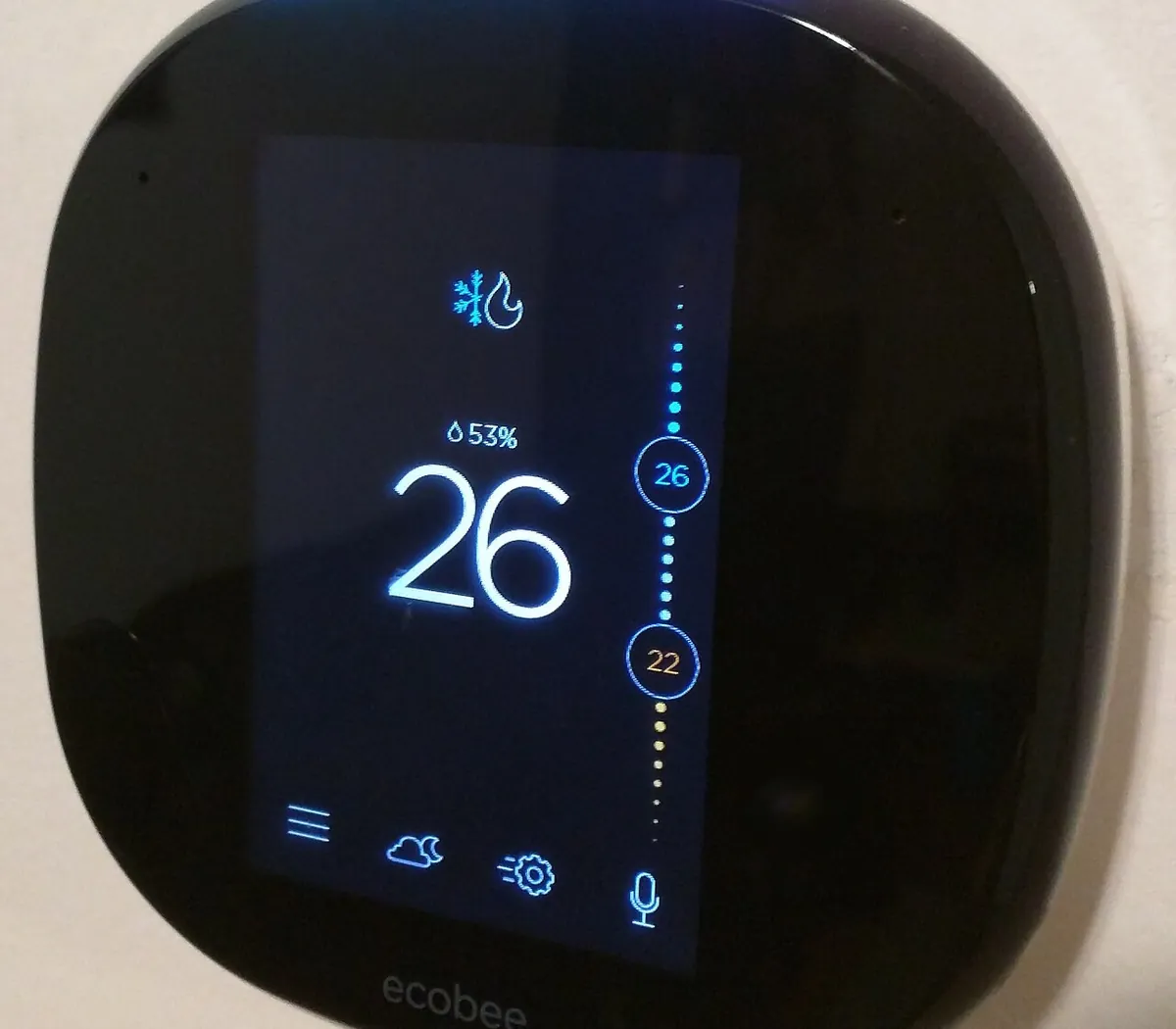
Google's page on optimizing energy savings with a Nest thermostat adds that Rush Hour Rewards adjustments are typically up to 4°F and last 3 to 4 hours, and that unenrolling can take up to 24 hours. ecobee's version is Community Energy Savings. Its guide says enrolled thermostats receive energy events from the utility that may adjust the temperature slightly, a handful of times a year. ecobee's Time of Use feature can also pre-cool or pre-heat when electricity is cheaper.
4. Away mode and geofencing
Some thermostats switch to energy-saving temperatures when they think nobody is home. On Nest, Eco when away shows "Automatically switched to Eco because no one is at home." Honeywell's T6 Pro geofencing uses your phone's location to switch to your Away temperature when you leave a set boundary and back to Home when you return. ecobee's Smart Home & Away adjusts the temperature when it detects you are not home.
If it switches while you are home, check that location is turned on for the app on each phone in the house, and that sensors are not blocked. You can turn these features off in the app.
5. A learning schedule or savings program
Small changes spread over days or weeks often come from the thermostat adjusting its own schedule. Google lists several on Nest: Auto Schedule and Smart Schedule learn from your adjustments, Seasonal Savings makes small gradual changes (typically up to 2°F) over 3 weeks, and Nest Renew makes small, short Energy Shifts toward times when energy is cleaner or cheaper. Google's page gives the steps to turn off Seasonal Savings and Nest Renew in the Google Home app. ecobee's Schedule Assistant works differently: it emails you a suggested schedule to review rather than changing it.
6. The wrong time or location
A schedule that runs an hour early or late can look like the thermostat changing at random. Honeywell's page on an RTH6500WF not following its schedule lists an incorrect time setting and, for registered Wi-Fi models, an incorrect ZIP code in the location settings as causes. We suggest checking the clock after any power outage.
7. Someone else, or a fault
If the history shows manual changes nobody remembers, someone else in the house or with app access may be adjusting it. ecobee's Access Control lets you set a 4-digit code to lock the temperature and settings, which its guide suggests for homes with curious children or rental units.
If the set temperature is not changing but the system is acting strangely, such as heat or cooling that stays on or turns on and off repeatedly, Google Nest Help points first to power and wiring: check that every wire is fully inserted, and note that some systems need a C wire for steady power. If the reading on the screen looks wrong rather than the set point, see our guide on why a thermostat shows the wrong temperature.
What you can check, and when to call
You can check the history, the hold settings, the clock, location and away settings, and any utility programs yourself in a few minutes. Call an HVAC technician if the history shows no setting or person behind the changes, if the system runs when the thermostat says it should be off, or if the problem started after new wiring. When a thermostat is replaced, the cable matters too: our guide to what size thermostat wire you need covers gauge and conductor count.
FAQ
Why does my thermostat turn on before the scheduled time?
Most programmable and smart thermostats have an early start feature, called Adaptive Intelligent Recovery, Smart Response or Early Start by Honeywell and Smart Recovery by ecobee. It learns how long your system takes and starts early so the house reaches your set temperature at the scheduled time.
Why does my thermostat go back to the old temperature after I change it?
A manual change is often a temporary hold that ends at the next schedule period. On Honeywell's T6 Pro a temporary hold lasts up to 12 hours, and on ecobee the default hold lasts until the next scheduled activity. Use a permanent hold or edit the schedule itself.
Can my power company change my thermostat?
Only if you enrolled in a utility program through the thermostat, such as Nest Rush Hour Rewards or ecobee Community Energy Savings. Google says Rush Hour Rewards adjustments are typically up to 4°F and last 3 to 4 hours. You can unenroll in the app.
Why does my thermostat change when I leave the house?
Away features such as Nest Eco when away, Honeywell geofencing and ecobee Smart Home & Away switch to energy-saving temperatures when they think nobody is home. If a phone's location is off, or a sensor misses you, it may switch while you are home.
Can a wrong time setting make my thermostat change temperature?
Yes. Honeywell lists an incorrect time on the thermostat, or an incorrect ZIP code in the location settings of a Wi-Fi model, as causes of a thermostat not following its schedule.
Sources
| # | Source | Site |
|---|---|---|
| 1 | Why is my thermostat starting the heat or cool before the program time?, Honeywell Home | honeywellhome.com |
| 2 | What is Adaptive Recovery in my Lyric thermostat?, Honeywell Home | honeywellhome.com |
| 3 | Why is my RTH6500WF Smart Series Programmable Thermostat not following my schedule?, Honeywell Home | honeywellhome.com |
| 4 | T6 Pro Smart Thermostat User Guide, Resideo | digitalassets.resideo.com |
| 5 | ecobee Smart Thermostat Enhanced Setup and User Guide, ecobee | assets.ctfassets.net |
| 6 | Optimize energy savings with Nest Thermostat, Google Nest Help | support.google.com |
| 7 | How Nest thermostats work with Rush Hour Rewards, Google Nest Help | support.google.com |
| 8 | Learn to fix strange heating or cooling issues, Google Nest Help | support.google.com |
| 9 | Smart Thermostats, ENERGY STAR | energystar.gov |
Every number above was checked against these sources. Found an error? See corrections or email contact@askabouthvac.com.

J.T. Bratcher
- License
- TACLB00138638E
- Type
- Texas Air Conditioning and Refrigeration Contractor License (Environmental, Class B)
- Status
- Current · expires April 11, 2027
- Checked
- October 18, 2026 via TDLR All Licenses dataset (data.texas.gov), license 138638
Related answers
- Th · Thermostats
What Size Thermostat Wire Do I Need? Gauge, Conductor Count and Cable Type
Most homes use 18 gauge solid copper thermostat wire. The real choice is how many conductors: count the terminals your system uses, add the C wire, and leave a spare. How to read 18/5 and 18/8 labels.
- Th · Thermostats
Why Is My Thermostat Clicking? Normal Clicks vs Signs of a Problem
A single soft click when heating or cooling starts and stops is the thermostat's relay doing its job. Rapid clicking, no click at all, or beeping each point to something different. Here is how to tell which one you have.
- Th · Thermostats
Why Is My Thermostat Showing the Wrong Temperature? 5 Reasons and Fixes
A thermostat that disagrees with your thermometer is often working normally. Rounding, humidity settings, sensor averaging, a bad location or a draft from the wall hole explain most wrong readings. Here is how to tell which one.