Why Is My Thermostat Clicking? Normal Clicks vs Signs of a Problem
| Written by | Ask About HVAC Editorial Team | Expert review | ✓ J.T. Bratcher |
|---|---|---|---|
| Published | Last reviewed | ||
| Sources | 7 cited | Reading time | 5 min |
Quick answer
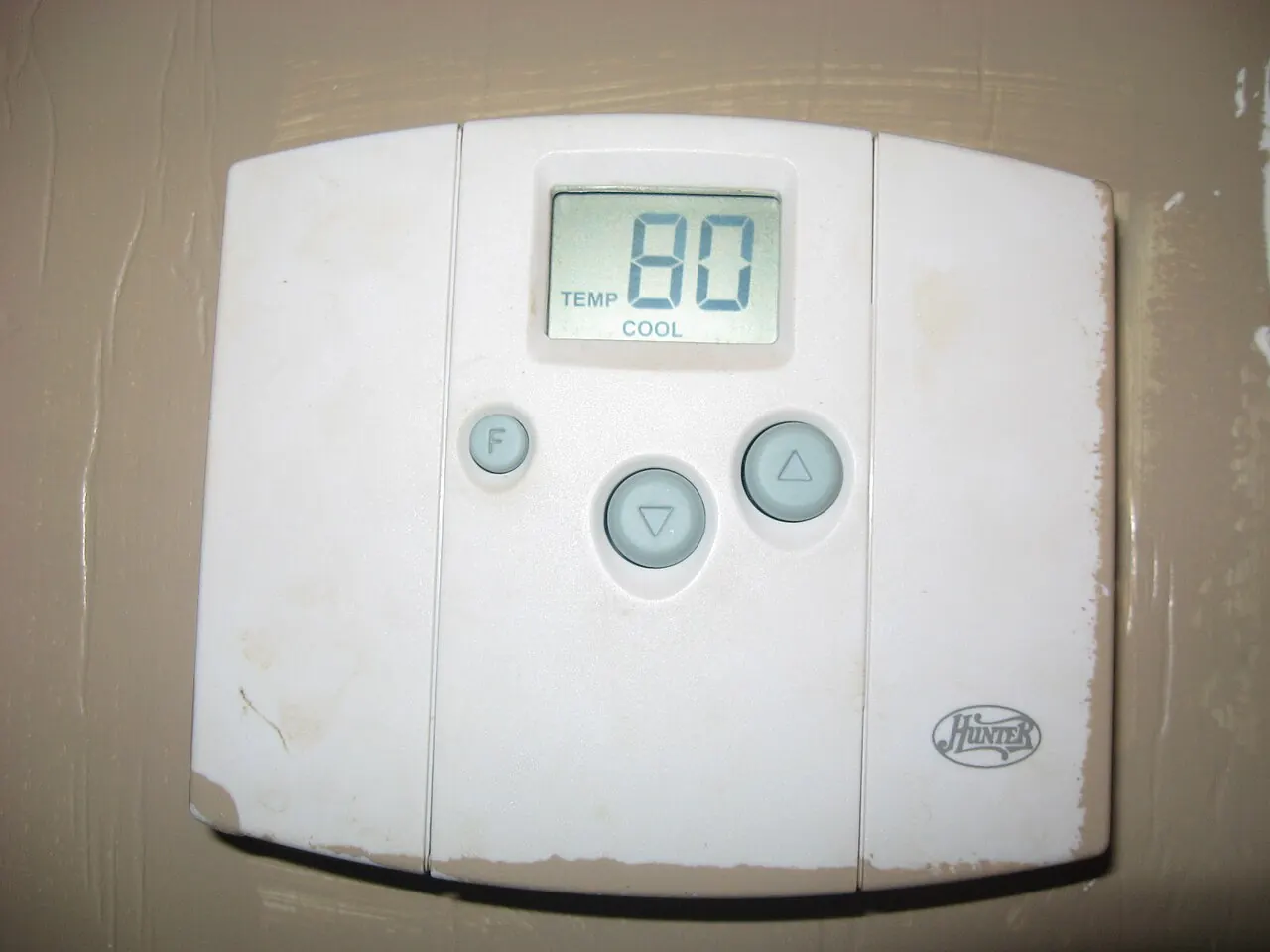
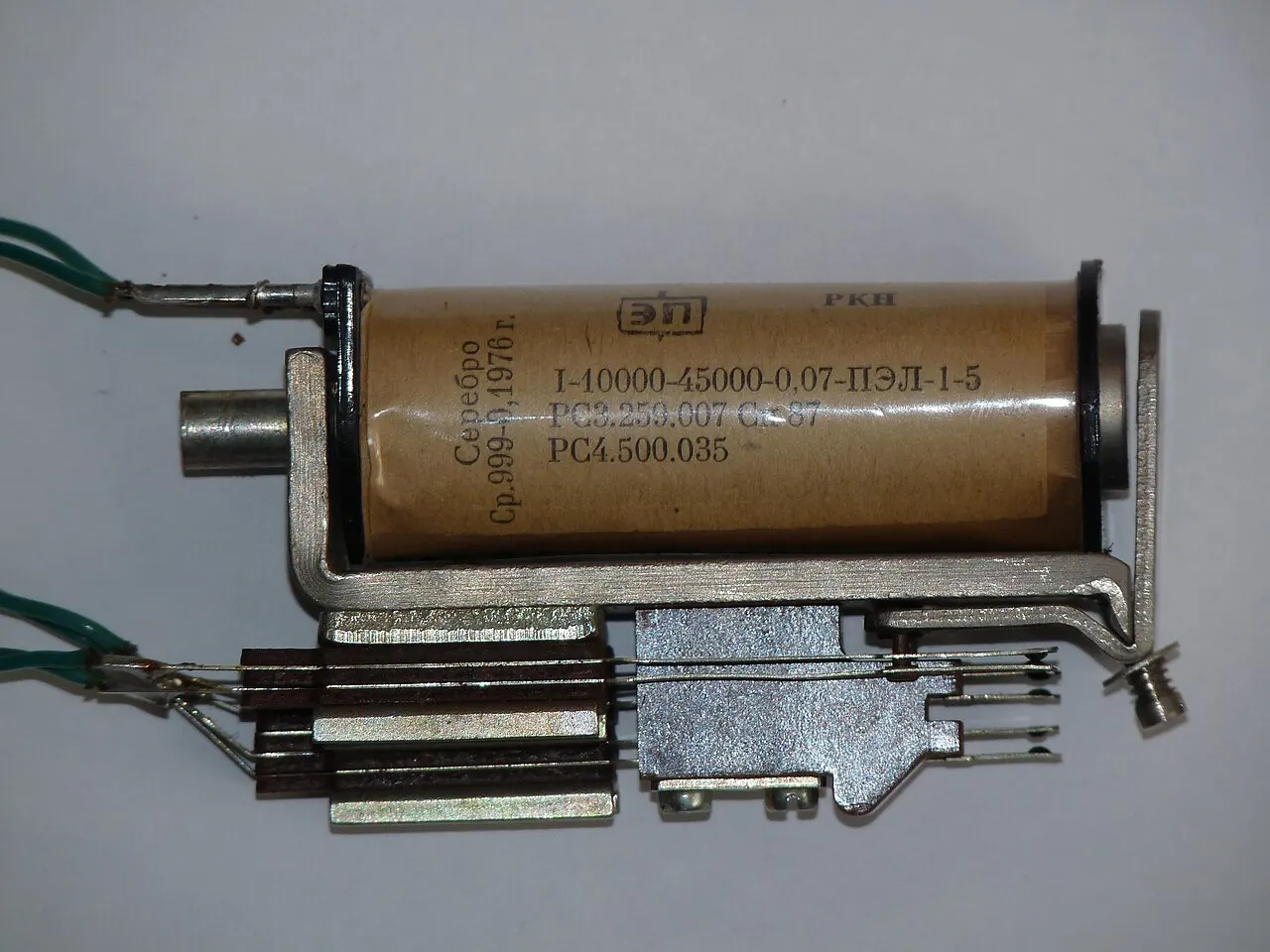
A thermostat that gives one soft click when the heat or AC turns on, and another when it shuts off, is working normally. The sound comes from a relay, a small switch inside the thermostat that opens and closes to start and stop your system. Clicking becomes a clue only when the pattern changes: no click when there should be one, clicking over and over, or a sound that is really a beep. Each of those points somewhere different, and the table below sorts them out.
The 1-minute click test
Copeland, the compressor maker, gives a simple test in its thermostat test guide. Use it in heating mode:
- Lower the setting below the room temperature. Within about 3 seconds you should hear a soft click as the thermostat turns off the call for heat.
- Raise the setting above the room temperature. You should hear it click again as it calls for heat.
Copeland says those clicks show the relays are operating and usually mean the thermostat is working properly. If there is no click, the relays are not opening and closing. Reset the thermostat by taking the batteries out for a few minutes or doing the factory reset in your manual, then test again. If it still does not click and the heating equipment does not run, Copeland says to contact your HVAC service person.
What the sound is telling you
Match what you hear to the row below.
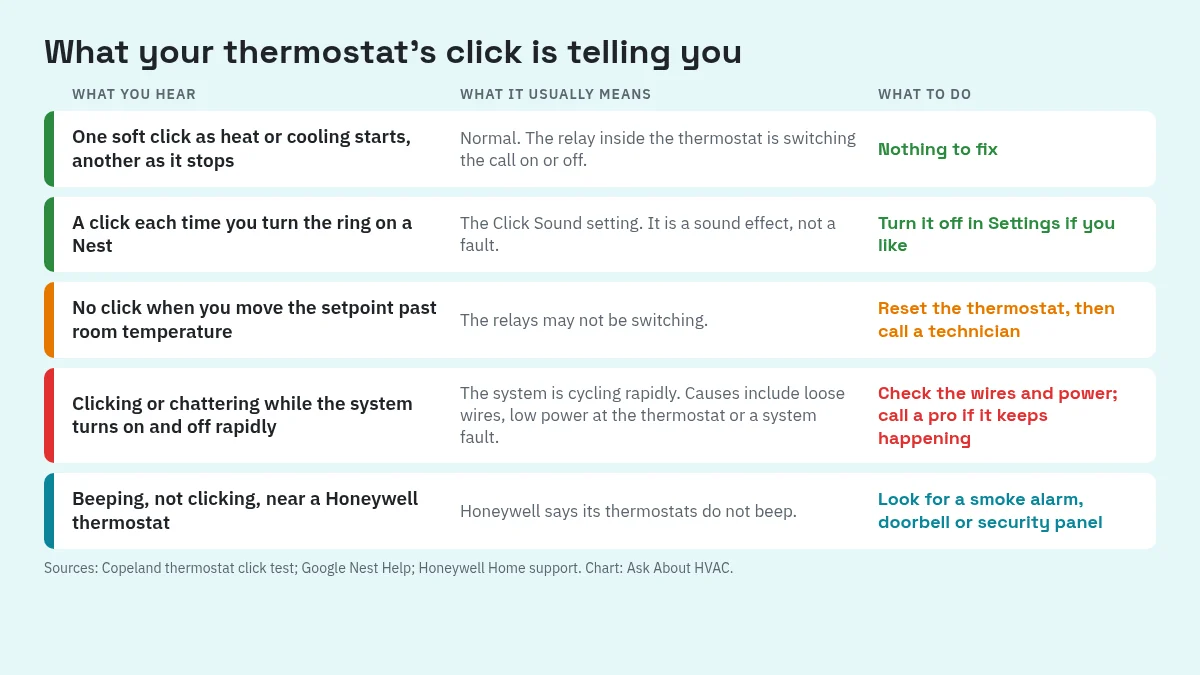
| What you hear | What it usually means | What to do |
|---|---|---|
| One click when heating or cooling starts, one when it stops | The relay is switching the call on and off | Nothing |
| A click each time you turn a Nest thermostat's ring | The Click Sound setting | Turn it off if it bothers you |
| No click when the setpoint passes room temperature | The relays may not be switching | Reset, retest, then call a technician |
| Clicking, chattering or thumping while the system starts and stops again and again | Rapid cycling, from wiring, power at the thermostat or the system itself | Work through the checks below |
| Beeping near a Honeywell thermostat | Another device | Check smoke alarms, the doorbell and the security panel |
Clicks that are just a setting
Some thermostats click on purpose. Google's Nest thermostat settings page says the Nest Thermostat E and the Nest Learning Thermostat (3rd gen and earlier) can make a clicking sound when you turn the ring. That is a sound effect, and you can switch Click Sound on or off from the thermostat's settings. The Google Home app also lists a Click sound option under Display settings.
Clicking over and over
Repeated clicking is the pattern worth acting on. Google's guide to strange heating or cooling issues lists chattering, stuttering, clicking or thumping as a symptom and says it can be caused by the system turning on and off rapidly. Short cycles also run less efficiently; see how long an AC should run to cool one degree for what normal run times look like.
The causes Google and Honeywell point to fall into three groups.
1. Loose or damaged wires
Google's troubleshooting steps include making sure every wire is fully inserted in the thermostat's connectors. Google notes that wiring issues usually show up when a Nest is first installed, but they can also appear later. Turn off power to the system at the fuse box or system switch before you pull off the display.
2. Not enough power at the thermostat
Smart thermostats need steady power. Google's page on the common or C wire explains that Nest thermostats are designed to use very little power and can often draw it through the heating and cooling wires, but sometimes need a C wire or a power accessory. The same page lists clicking, chattering, stuttering or thumping as one of the signs. If a power problem is the cause, Google suggests having a local professional install a C wire.
Honeywell describes a related problem. Its X7 manual troubleshooting page says a shorted wire or high equipment draw can interrupt power to the thermostat for a moment at the start of a heating or cooling call. As a test, Honeywell says the installer can disconnect every wire except R and C to see whether the thermostat keeps power. That is a job for the installer, not a homeowner. If your Honeywell screen also shows a wait message after each restart, read why a thermostat says Waiting for Equipment.
3. A problem in the heating or cooling system
The thermostat may be fine and the equipment may be the one stopping and starting. Google's test for this: put your old thermostat back on. If the system works normally with it, your Nest has a wiring or power issue. If the problem continues, the heating or cooling system needs maintenance.
Furnace safety controls can cause a stop-start pattern too. Copeland notes that many furnaces have safety devices that shut the system down when a lockout condition happens, and that turning the thermostat off or cancelling the call for heat may let the furnace reset. If the heat keeps working only on and off, Copeland says to contact your HVAC service person.
Clicking more often than it used to
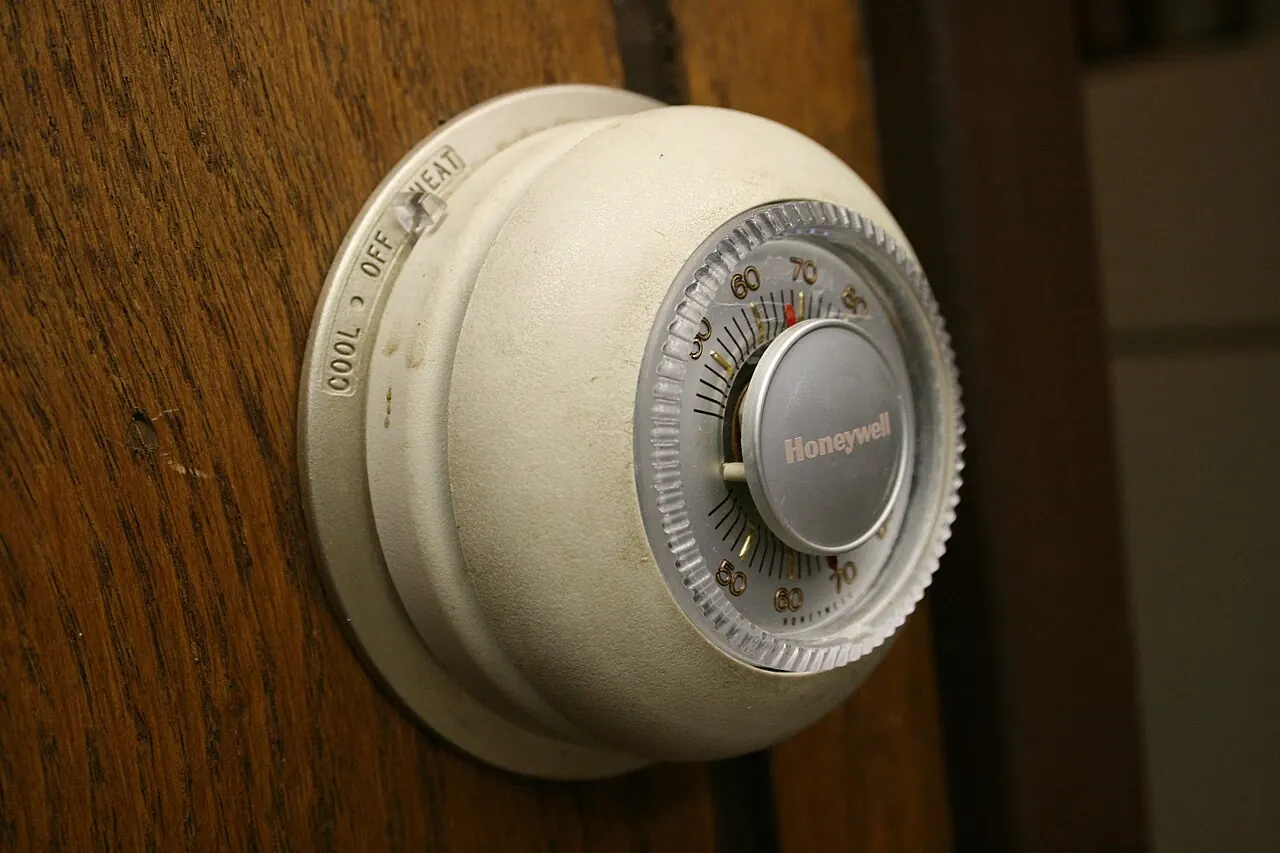
If the clicks are normal single clicks but come much more often, look at where the thermostat sits. A thermostat that reads the wrong temperature will start and stop the system at the wrong times. Honeywell's T10 installation guide says to mount a thermostat about 5 ft (1.5 m) above the floor in a spot with good air circulation and average temperature. It warns against spots affected by:
- Drafts, or dead air behind doors and in corners
- Hot or cold air from ducts
- Sun or heat from appliances
- Hidden pipes and chimneys
- An outside wall or unheated space behind the thermostat
Moving a thermostat involves its wiring. Honeywell's guide says installation should be done by a trained, experienced service technician.
Is it really a click, or a beep?
Short electronic chirps are easy to mistake for clicks. Honeywell's support page on thermostat beeping says its thermostats cannot make an audible noise like a beep. If you hear one near a Honeywell thermostat, it is likely coming from another device, such as a smoke detector, doorbell or security system.
What you can check, and when to call
Safe for a homeowner:
- Run the click test above.
- Reset the thermostat (batteries out for a few minutes, or the factory reset in its manual).
- With power off at the fuse box or system switch, confirm each wire is fully inserted.
- On a Nest, turn off Click Sound if the ring click is the only issue.
Call a technician when:
- The thermostat still does not click after a reset and the equipment does not run.
- Clicking or chattering comes with the system starting and stopping again and again.
- You need a C wire added, a power test done or the thermostat moved.
- The heat works only on and off.
FAQ
Is it normal for a thermostat to click?
Yes. Copeland's thermostat test describes a soft click when the call for heat turns off and another when it turns back on. That click is the relay inside the thermostat switching, and it usually means the thermostat is working.
Why does my thermostat click but the heat or AC does not come on?
A click means the thermostat sent the signal. If nothing runs after that, the problem is more likely in the equipment, its power, or a safety lockout. Copeland notes that many furnaces have safety devices that shut the system down, and some reset when the call for heat is cancelled and restarted. If it keeps happening, call a technician.
Why is my thermostat clicking over and over?
Google Nest Help links clicking, chattering and thumping sounds to the system turning on and off rapidly. Loose wires, low power at the thermostat (where a C wire may be needed) and problems in the heating or cooling system are the causes it lists to check.
My thermostat makes no click at all. Is it broken?
Copeland says no click during the test means the relays are not opening and closing. Reset the thermostat (remove the batteries for a few minutes or do a factory reset). If there is still no click and the equipment does not run, contact an HVAC technician.
Can I turn off the clicking on a Nest thermostat?
On the Nest Thermostat E and the Nest Learning Thermostat (3rd gen and earlier), Google says the click when you turn the ring is a setting. Press the ring and open settings to turn Click Sound on or off.
Sources
| # | Source | Site |
|---|---|---|
| 1 | Thermostat Test, Copeland Application Engineering knowledge base | copeland.custhelp.com |
| 2 | Learn to fix strange heating or cooling issues, Google Nest Help | support.google.com |
| 3 | Learn about the common or C wire, Google Nest Help | support.google.com |
| 4 | Nest thermostat settings, Google Nest Help | support.google.com |
| 5 | Why does my thermostat beep?, Honeywell Home support | honeywellhome.com |
| 6 | X7S & X7B Installation and User Manual: Troubleshooting and Support, Honeywell Home (Resideo) | docs.honeywellhome.com |
| 7 | T10 and T10+ Pro Product Data: System Installation, Honeywell Home (Resideo) | docs.honeywellhome.com |
Every number above was checked against these sources. Found an error? See corrections or email contact@askabouthvac.com.

J.T. Bratcher
- License
- TACLB00138638E
- Type
- Texas Air Conditioning and Refrigeration Contractor License (Environmental, Class B)
- Status
- Current · expires April 11, 2027
- Checked
- October 18, 2026 via TDLR All Licenses dataset (data.texas.gov), license 138638
Related answers
- Th · Thermostats
Should Your AC Fan Be On or Auto? What the Humidity Research Shows
In humid climates, keep the AC fan on Auto: measured tests show fan On puts water from the coil back into your air. When On or Circulate makes sense, and a simple test for your home.
- Th · Thermostats
Thermostat Says "Waiting for Equipment": What It Means and How Long to Wait
"Waiting for Equipment" on a Honeywell Home thermostat is a built-in compressor protection delay. It should clear within about 5 minutes. If it stays longer, the cause is usually an alert lockout or a power problem at the thermostat.
- Ms · Mini-Splits
How to Reset a Mini-Split: Power Cycle, Remote Reset and Manual Button
To reset a mini-split, turn it off with the remote, switch off its breaker, wait (Carrier says about 20 minutes), turn the power back on and allow about 3 minutes for the compressor delay. Remote reset and manual button steps too.